A strong fashion portfolio does more than display attractive images. It shows how you think, what you can create, and where you contribute to a project. This guide is for fashion designers, models, stylists, photographers, and other creatives preparing a portfolio for opportunities, collaborations, interviews, or community features.
A portfolio does not need to be large. It needs to be clear. The viewer should understand your role, your visual language, and the quality of your work without searching through unrelated material.
What to prepare before building your portfolio
Start with your strongest projects, clear images, short descriptions of your contribution, and a simple way to contact you. Collect more work than you expect to use. Reviewing a larger selection makes it easier to notice repeated themes, technical strengths, and weaker pieces that should remain private.
I have seen otherwise promising portfolios lose focus because every available photograph was included. A smaller, carefully edited selection usually communicates more confidence than a long archive.
Think about the kind of opportunity you want. A fashion designer applying for a studio role may need to show research, sketches, fabric decisions, fittings, and finished garments. A model may need clean portraits, movement images, and varied expressions. A stylist should show complete looks and explain the visual direction.
1. Choose a clear portfolio direction
Your portfolio should have a point of view. That does not mean every image must look identical. It means the work should feel connected by a shared interest, method, or visual sensibility. You might focus on handcrafted textiles, contemporary Indian clothing, adaptive wear, editorial styling, sustainable materials, or experimental silhouettes.
Write one sentence that describes your direction. For example: “I create contemporary garments that combine handcrafted textiles with relaxed, wearable forms.” This sentence can guide your editing decisions. If a project does not support the direction, place it in a separate archive instead of forcing it into the main portfolio.
For models, the direction may relate to the kind of work you want: editorial, commercial, runway, beauty, lifestyle, or character-based work. Show range without making your identity unclear.
2. Select projects, not isolated images
A portfolio becomes more convincing when it presents complete projects. Organise each project with a title, a short concept statement, your role, process images, final images, and credits.
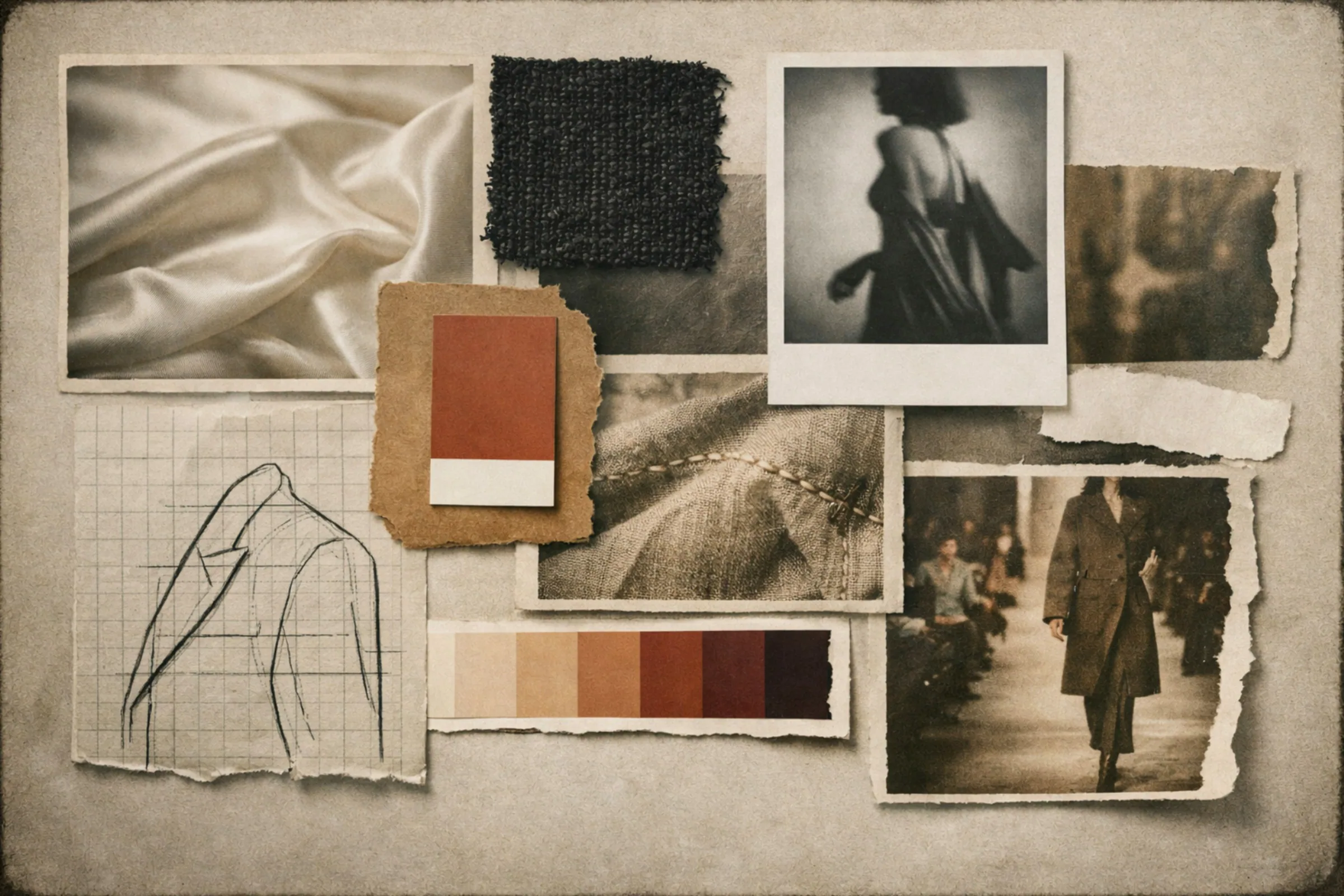
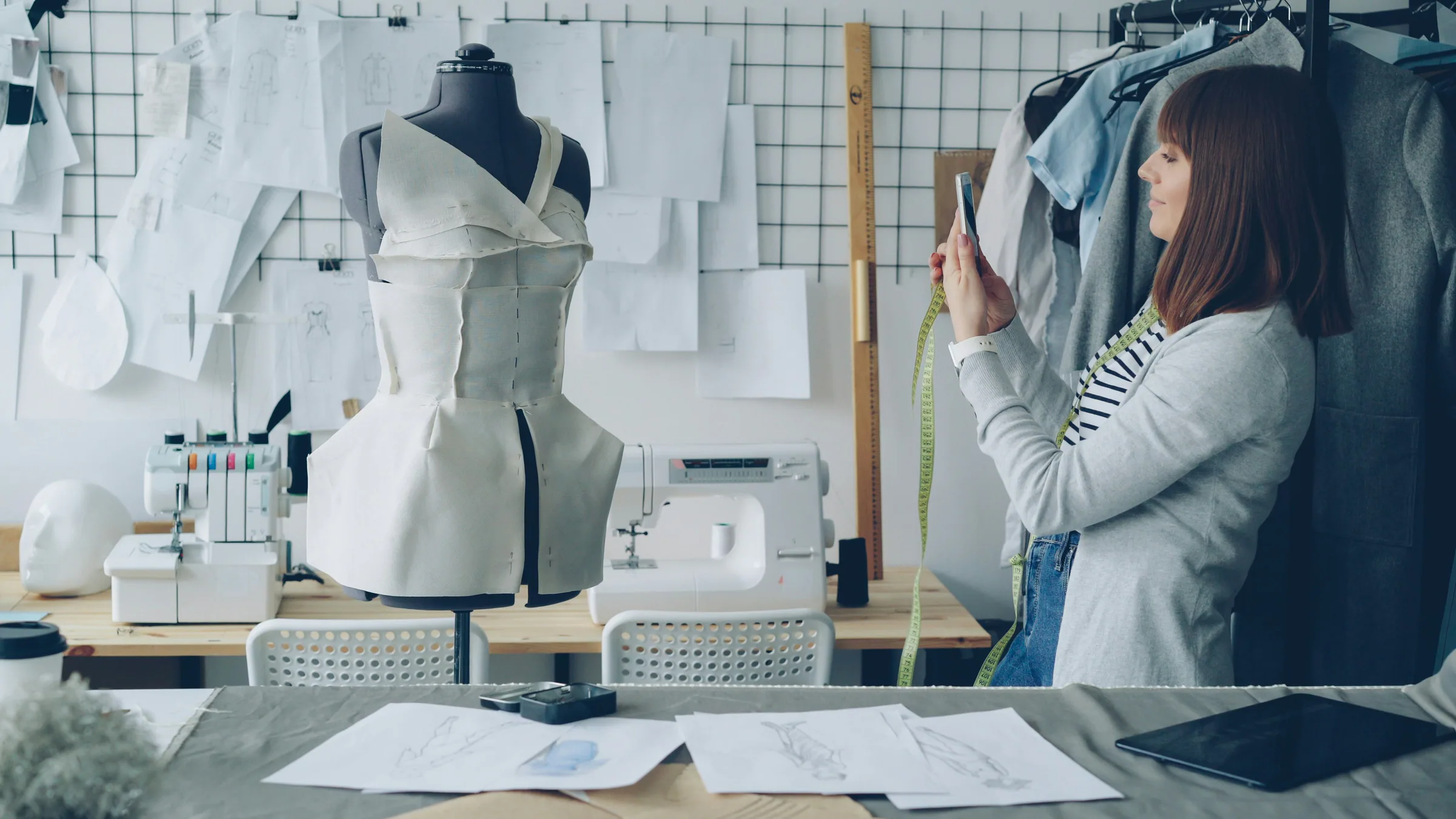
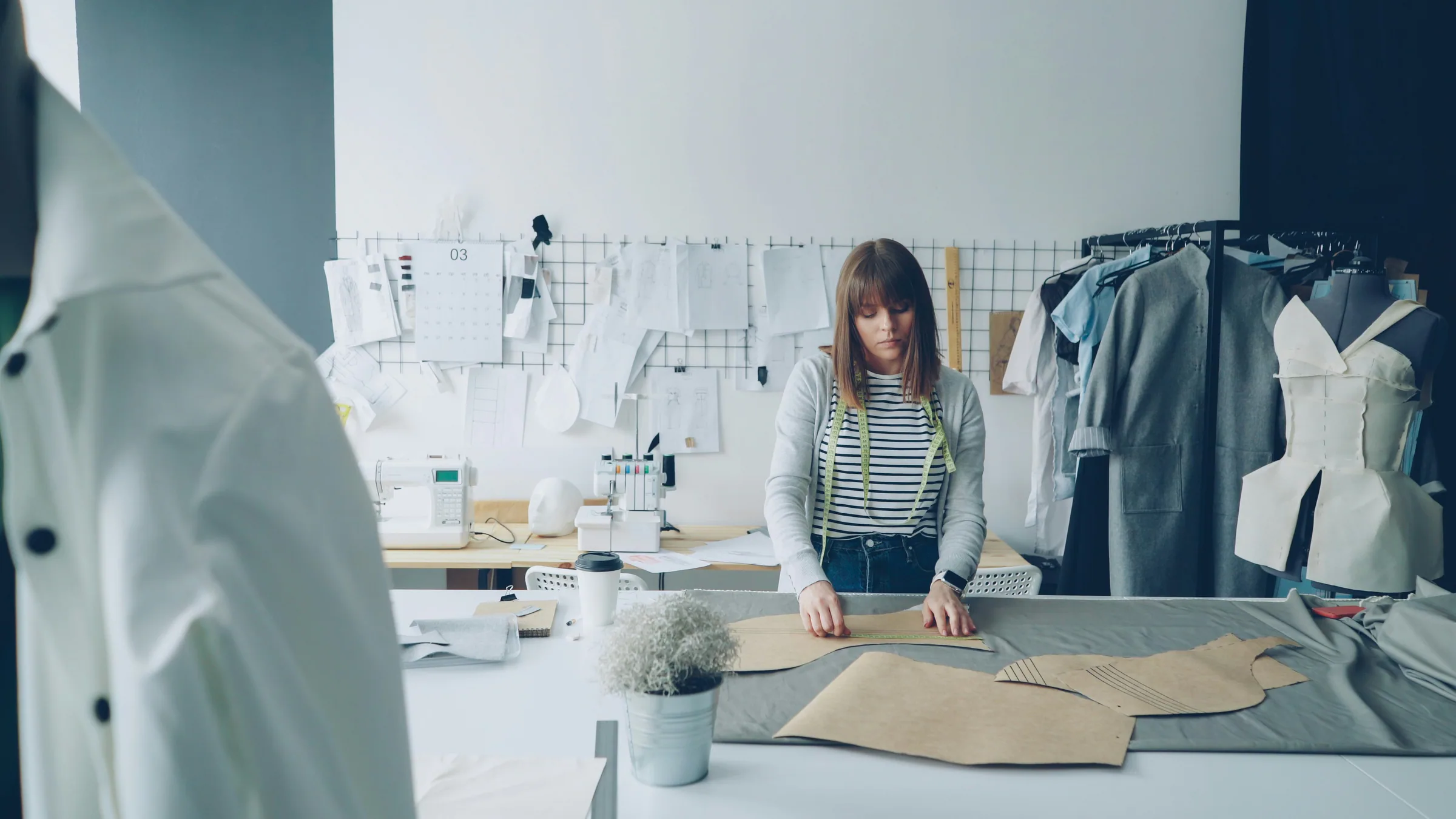
A project sequence gives the viewer context. It explains what problem you explored, how you developed the idea, and what the final result looked like. For a clothing collection, include a moodboard or research reference, material details, construction experiments, fittings, and final looks. For a modeling project, show the visual brief, selected looks, and images that demonstrate how you responded to direction.
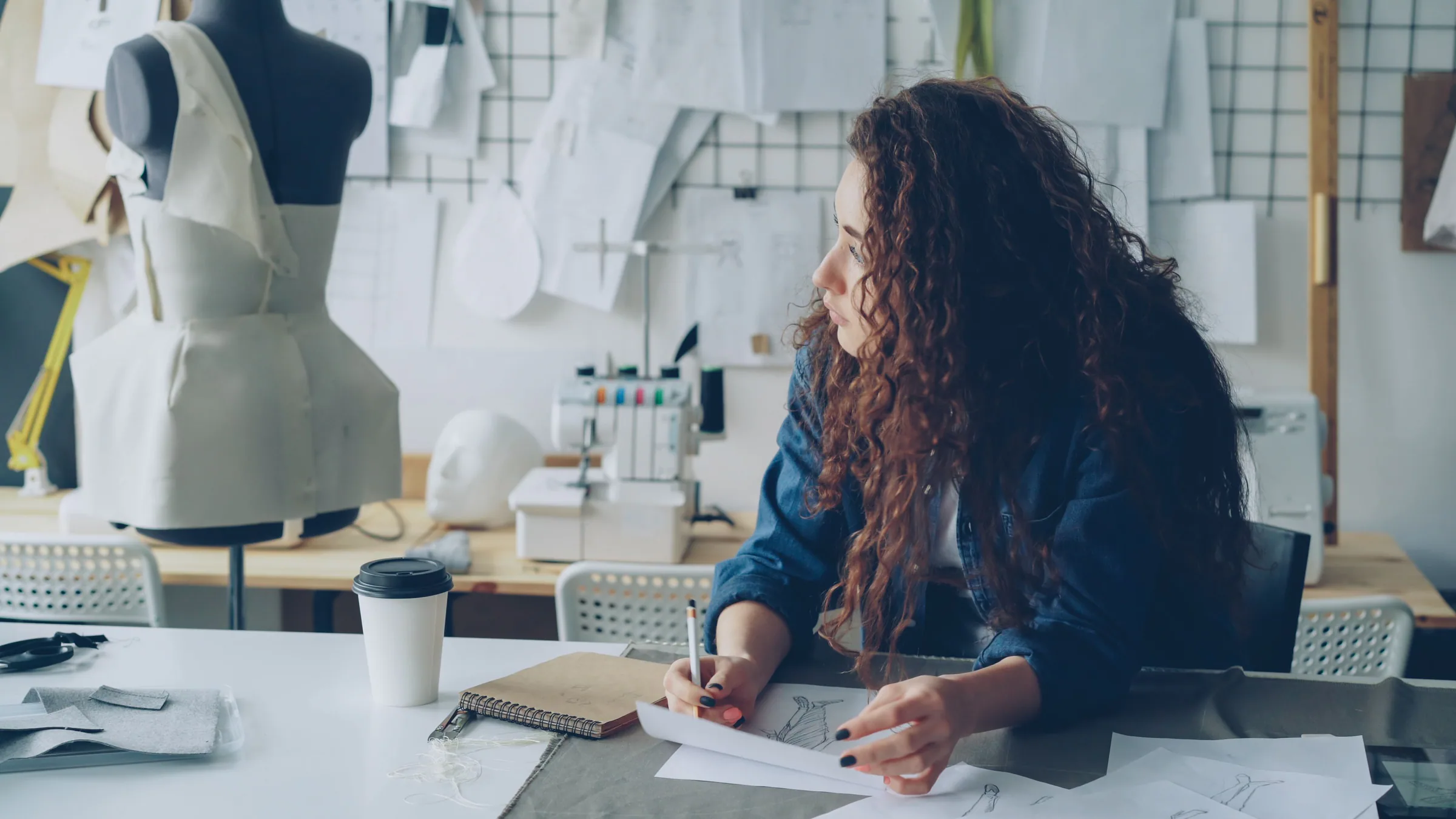 Show the finished result alongside the decisions that shaped it.
3. Edit images for consistency
Image selection is one of the most important parts of portfolio building. Remove images that are blurry, repetitive, poorly lit, or unrelated to your intended direction. If three images communicate the same detail, keep the one with the clearest composition.
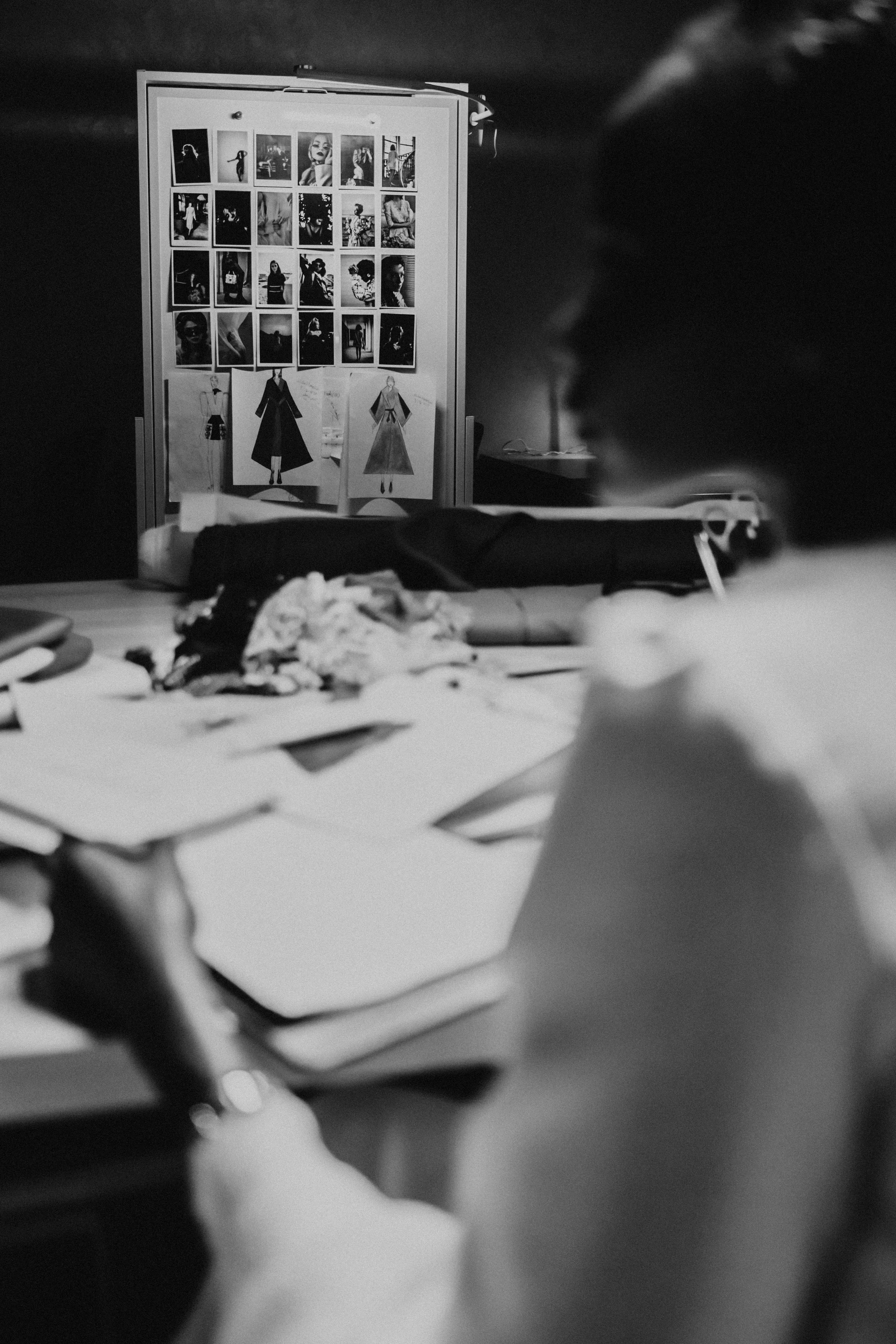
Check the sequence as a viewer would. Does the opening image create interest? Do the next images explain the project? Are process and final images balanced? Does the last image leave a clear impression?
Keep image treatment consistent. Similar crops, spacing, and background choices create a calmer reading experience. You do not need every photograph to have the same colour treatment, but sudden changes in quality or style can make the portfolio feel unfinished.
I once removed a technically impressive image because it interrupted the story of the project. It was good work, but it belonged in another series. Editing is not a rejection of your work; it is a decision about where that work belongs.
4. Write useful project descriptions
Descriptions should explain what the viewer cannot learn from the image alone. Include the project’s purpose, your specific contribution, materials or styling decisions, the intended audience, and collaborators.
Avoid vague phrases such as “a beautiful exploration of fashion.” Be more precise: “This collection reinterprets khadi through soft botanical embroidery, gathered sleeves, and lightweight layered forms. I developed the silhouettes, selected the fabric, and supervised the final styling.”
For collaborative work, be exact about your role. If you were the model, say so. If you designed the garment but did not photograph it, credit the photographer. Clear attribution builds trust and makes collaboration easier.
5. Make the portfolio easy to navigate
A portfolio should work for someone viewing it quickly on a phone. Use clear project titles, short sections, and readable text. Include your name, role, location if relevant, email address, and professional links.
Your contact details should be easy to find without opening several pages. If you use a downloadable PDF, check that the file opens correctly and that images remain sharp without becoming unnecessarily large.
For an online portfolio, test every link and image. Review the layout on both a mobile screen and a larger display. A page that looks elegant on a desktop may become difficult to read when viewed vertically on a phone.
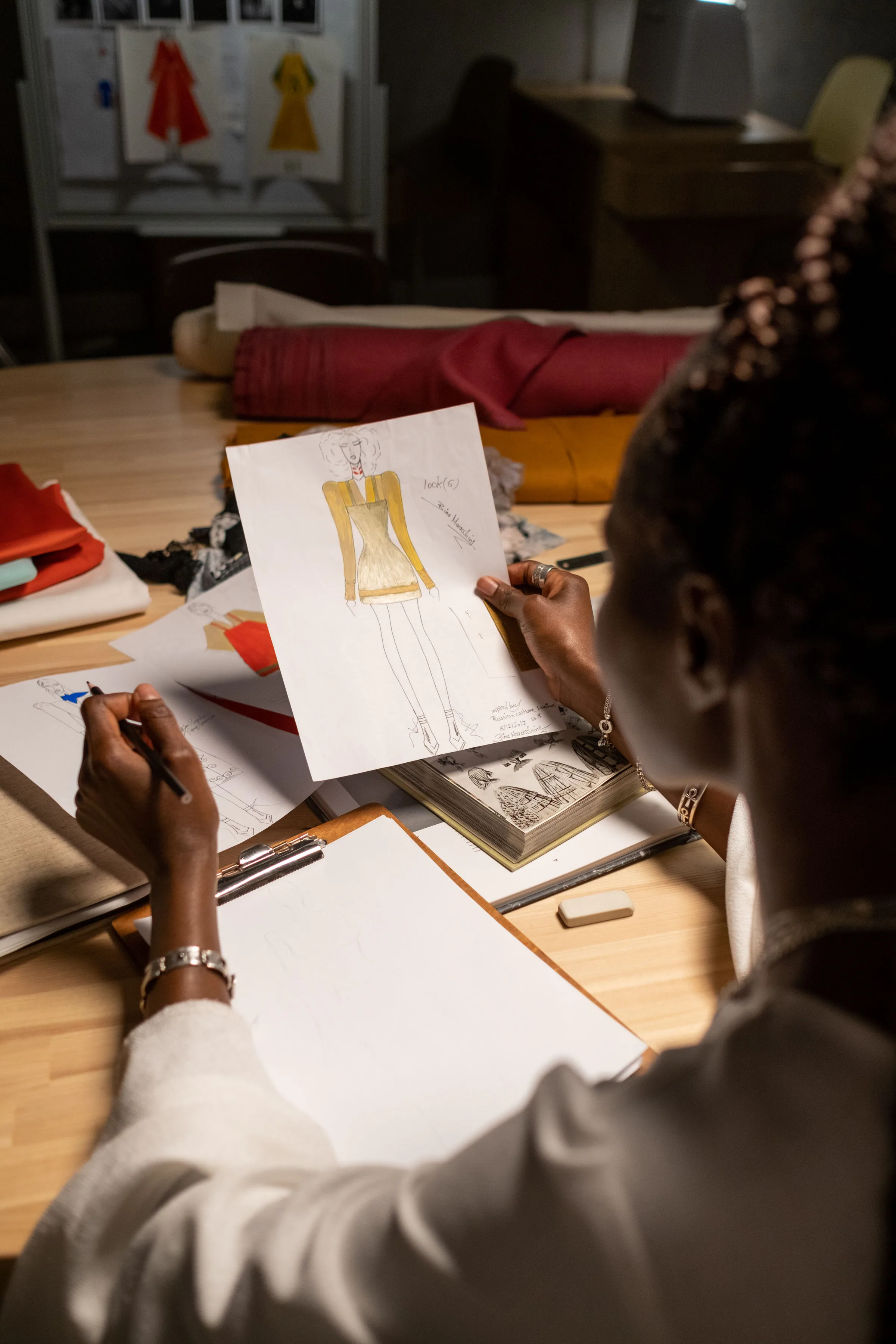 Choose final images that show how your work exists in a real setting.
Common mistakes and how to fix them
- Including everything: Use a primary portfolio and keep additional work in an archive.
- Hiding your role: State exactly what you designed, styled, modelled, photographed, or managed.
- Using weak cover images: Open with the project that best represents your current direction.
- Writing long descriptions: Use short paragraphs and specific details.
- Ignoring credits: List collaborators, photographers, makeup artists, studios, and other contributors.
- Leaving unfinished work unexplained: Label it as process work and explain what you were testing.
When to ask for outside feedback
Ask for feedback when you cannot decide between similar images, when the sequence feels confusing, or when you are applying for a specific role and are unsure whether the portfolio supports it.
Choose reviewers who understand the type of work you want to pursue. Ask which project they remember first, whether your role is clear, where the portfolio loses momentum, what they would remove, and what they would like to see more of.
FAQ
How many projects should a fashion portfolio include?
Include enough projects to show your ability without creating repetition. The right number depends on your discipline and purpose. A focused selection with clear descriptions is more useful than a large collection of loosely connected work.
Should I include student or older work?
Include older work when it shows a skill or idea that still represents you. Remove it if the quality, styling, or direction no longer matches the opportunities you want.
Should a portfolio be a PDF or a website?
Both can work. A PDF is useful for applications and direct sharing, while a website makes it easier to update projects and provide links. Keep the structure simple in either format.
What should a model include in a portfolio?
Include clean portraits, full-length images, movement, varied expressions, and different styling where relevant. Keep retouching realistic and make sure your current appearance is represented accurately.
How often should I update my portfolio?
Review it whenever you complete a meaningful project or change your professional direction. Remove older work when it no longer supports the impression you want to create.
Related reading
If you are refining your portfolio, read Creating Inclusive Fashion: Designing for Real Bodies and Real Lives to strengthen the way you describe purpose and audience. From Concept to Collection: A Fashion Project Workflow can help you document process images and turn individual projects into complete case studies.
Ready when you are
Continue beyond this guide
Open the curated destination in a new tab when you are ready to continue.
Open resource